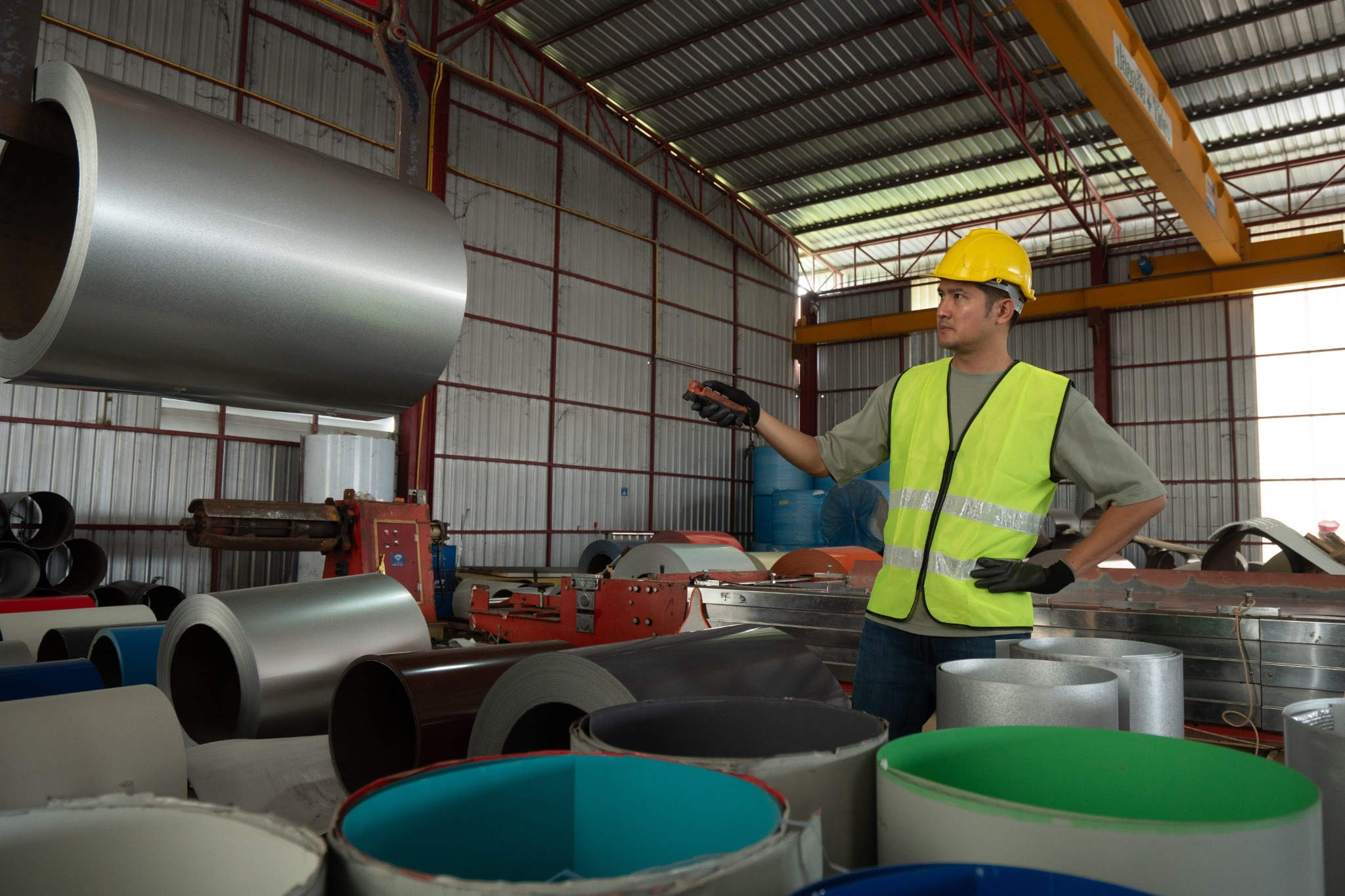
ERP — Manufacturing

Customized Manufacturing Production Planning ERP

Plan, schedule, and track production from raw material issue to finished goods with a system built around your bill of materials, routing sequences, machine capacities, and quality requirements.

Structured Production Control from BOM to Finished Goods

Manufacturing operations depend on precise coordination between material availability, machine scheduling, labour allocation, and quality checks. When production planning is handled through spreadsheets or disconnected tools, material shortages, missed delivery dates, untracked work-in-progress, and uncontrolled rework become persistent problems.

T3 Manufacturing Production Planning ERP is configured around your specific bill of materials, routing sequences, workstation capacities, and inspection criteria. Whether you run discrete manufacturing, process manufacturing, or a combination of both, the system connects every stage from production order creation to finished goods receipt.

T3 MPP ERP connects BOM management, MRP calculations, production scheduling, shop floor tracking, quality inspection, and costing into a single operational layer — configured for how your factory actually operates.
12+
Core Modules
100%
WIP Traceability
40%
Reduced Material Waste

Production Challenges T3 MPP ERP Addresses

Production inefficiencies directly affect delivery timelines, material costs, and product quality.

Unstructured Bill of Materials

Without a centralized BOM system, component lists are maintained in spreadsheets across departments. Version mismatches cause wrong materials to be issued, assemblies to fail, and production to stall.

Material Shortages on the Shop Floor

Production orders released without verifying material availability result in partial completions, idle machines, and missed delivery dates that cascade across the order book.

No Real-Time WIP Visibility

When work-in-progress is not tracked at each operation stage, managers cannot identify bottlenecks, estimate completion dates, or respond to delays until they become critical.

Uncontrolled Rework and Rejection

Without systematic rejection and rework tracking, defective items re-enter production without proper documentation, inflating costs and reducing output quality.

Inaccurate Production Costing

Manual cost tracking fails to capture actual material consumption, labour hours, and overheads per production order, making job-level profitability analysis unreliable.

Capacity and Scheduling Conflicts

Without centralized capacity planning, multiple production orders compete for the same machines, creating scheduling conflicts, overtime costs, and underutilized workstations.

Modules Configured for Your Production Operations

Each module maps to a specific manufacturing function and can be enabled or configured based on your production process.

Bill of Materials (BOM)

Define multi-level BOMs with parent-child relationships, alternate materials, scrap percentages, and version control for engineering changes.

Routing & Operations

Configure operation sequences, workstation assignments, setup times, run times, and labour requirements for each product or product variant.

Material Requirements Planning (MRP)

Run MRP calculations against demand forecasts, sales orders, and current stock to generate planned purchase and production orders with timing.

Production Order Management

Create, release, and track production orders through their lifecycle — from planned through released, in-progress, and completed stages.

Capacity Planning & Scheduling

View and manage workstation load, identify over- or under-utilized machines, and schedule production runs against available capacity windows.

WIP Tracking & Shop Floor Control

Track work-in-progress at each operation stage, record operator inputs, log machine time, and capture completion quantities in real time.

Material Issue & Consumption

Issue raw materials and components against production orders, track actual versus planned consumption, and manage material returns from the shop floor.

Quality Inspection & Control

Define inspection parameters per operation or finished product, record test results, and enforce hold-release workflows for items that fail quality checks.

Production Costing

Calculate actual production costs by capturing material costs, labour hours, machine time, overheads, and scrap — compared against standard cost estimates.

What Sets T3 MPP ERP Apart

T3 MPP ERP is not a generic inventory tool extended with a production label. It is built for manufacturers who need structured BOM control, MRP-driven planning, and operation-level shop floor tracking.

  • Multi-level BOM with alternate materials and scrap factor configuration
  • Routing sequences with workstation, setup time, and run time per operation
  • MRP engine generating planned production and purchase orders from demand
  • Production order lifecycle from planning through release to completion
  • Finite capacity scheduling with workstation load balancing
  • Operation-level WIP tracking with real-time shop floor data capture
  • Material issue against production orders with variance tracking
  • In-process and final quality inspection with pass/fail/hold workflows
  • Rejection and rework tracking with cost impact analysis
  • Actual vs standard cost comparison per production order
  • Subcontracting support with material dispatch and receipt tracking
  • Role-based access for planners, supervisors, operators, and quality inspectors

Production Workflow in T3 MPP ERP

A step-by-step flow from demand identification to finished goods receipt.

1

Demand Analysis & MRP Run

Consolidate demand from sales orders, forecasts, and minimum stock levels. Run MRP to calculate net material requirements and generate planned production orders.

2

Production Order Creation & Release

Convert planned orders into production orders, verify BOM and routing, check material availability, and release orders to the shop floor for execution.

3

Material Issue to Shop Floor

Issue raw materials and components against the production order BOM. Track issued quantities, returns, and substitutions with full traceability.

4

Operation Execution & WIP Tracking

Record progress at each routing operation — capture quantities completed, operator time, machine time, and any deviations from the planned sequence.

5

Quality Inspection & Disposition

Inspect in-process or finished output against defined parameters. Accept, reject, or route items for rework with documented reasons and corrective actions.

6

Finished Goods Receipt & Costing

Receive completed production into finished goods inventory. Calculate actual production cost including materials, labour, overheads, and scrap for the order.

Production Analytics for Data-Driven Manufacturing

Track production output, material consumption, quality metrics, and cost variances from real-time dashboards.

Production Order Status Board

View all active production orders by stage — planned, released, in-progress, and completed — with quantity and timeline summaries.

Material Consumption Variance

Compare actual raw material usage against BOM-planned quantities per production order to identify waste and consumption gaps.

Machine Utilisation Trend

Track workstation load percentages over time to spot underutilised machines and plan capacity improvements.

Quality Rejection Analysis

Break down rejection and rework quantities by product, operation stage, and defect type to target corrective actions.

WIP Ageing Report

Identify production orders stuck at specific operation stages beyond expected timelines, flagging potential bottlenecks.

Production Cost vs Estimate

Compare actual production costs — material, labour, overheads — against standard estimates for each completed order.

Benefits of T3 Manufacturing Production Planning ERP

On-Time Production Delivery

MRP-driven planning and capacity scheduling ensure materials arrive on time and machines are allocated, reducing delays in production completion.

Full Production Traceability

Every material issue, operation completion, quality check, and cost entry is recorded against the production order for complete audit trails.

Accurate Production Costing

Capture actual material, labour, and overhead costs per order to compare against estimates and identify cost overruns at the job level.

Reduced Rejection and Rework

Structured quality inspection at defined stages catches defects early, reducing scrap volumes and the cost of rework downstream.

Businesses That Benefit from T3 MPP ERP

T3 MPP ERP is designed for manufacturers where production planning accuracy and shop floor control directly impact delivery and profitability.

Discrete Manufacturers

Companies producing distinct items — machinery parts, automotive components, electrical assemblies — with multi-level BOMs and defined routing operations.

Process Manufacturers

Businesses in chemicals, food processing, or pharmaceuticals where batch formulations, yield tracking, and quality compliance are critical.

Job Shop & Custom Manufacturers

Operations that produce made-to-order items where each job may have a unique BOM, routing, and costing requirement.

Electronics & Assembly Units

Manufacturers assembling components into finished products with serial tracking, version-controlled BOMs, and multi-stage quality checkpoints.

Metal & Fabrication Workshops

Fabrication units managing cutting, welding, machining, and finishing operations with machine-level capacity planning and job costing.

Multi-Plant Operations

Manufacturing groups operating multiple plants with centralized planning, inter-plant material transfers, and consolidated production reporting.

Configure T3 MPP ERP Around Your Factory Processes

Manufacturing processes vary widely by industry, product complexity, and production method. T3 MPP ERP adapts to your specific BOM structures, routing logic, and quality protocols.

  • Define multi-level BOMs with configurable scrap percentages and alternate material rules
  • Set up routing sequences with workstation-specific setup times, run times, and overlap rules
  • Configure MRP parameters — lead times, safety stock, lot sizing methods, and planning horizons
  • Create custom quality inspection checklists per operation stage or finished product
  • Design production order approval workflows based on order value, product type, or priority
  • Assign costing methods per product line — standard costing, actual costing, or hybrid approaches
  • Build subcontracting workflows with material dispatch tracking and receipt verification
  • Configure shop floor data capture forms for operator inputs, machine logs, and deviation notes

Connect T3 MPP ERP with Your Supply Chain and Quality Systems

T3 MPP ERP exchanges data with procurement, inventory, and quality management tools across your operations.

Inventory & Warehouse Sync

Pull raw material availability data for MRP calculations and push finished goods receipts into warehouse stock registers automatically.

Purchase Order Generation

Convert MRP-generated planned purchase orders into actual POs within your procurement system with supplier and pricing data intact.

Quality Management System

Feed inspection results from external QMS tools into production order records for unified traceability and compliance documentation.

How We Implement T3 MPP ERP

A structured approach from production process study to go-live and ongoing optimization.

1
Production Process Study

We study your product structures, BOM hierarchies, routing sequences, workstation layouts, quality parameters, and current planning methods.

2
System Configuration

Configure BOMs, routings, MRP parameters, workstation calendars, inspection criteria, costing methods, and user roles based on the process study.

3
Data Migration & Validation

Migrate existing product masters, BOM structures, and open production orders. Validate through parallel runs with your actual production data.

4
Go-Live & Production Support

Deploy the system with on-floor support during initial production cycles, followed by ongoing monitoring, adjustments, and maintenance.

Manufacturing Production Planning ERP — FAQ

Yes. T3 MPP ERP supports unlimited BOM levels with parent-child relationships, sub-assemblies, alternate materials, by-products, and scrap percentages at each level.

The MRP engine calculates net material requirements by comparing demand (sales orders, forecasts, minimum stock) against current inventory and open purchase/production orders. It generates planned orders with recommended dates and quantities.

Yes. The system tracks partial completions at each operation stage. You can receive partial quantities into finished goods while the remaining quantity continues through production.

T3 MPP ERP handles subcontracting by tracking material dispatch to the subcontractor, receiving processed goods back, and recording subcontracting costs against the production order.

Actual production cost is calculated by summing material consumption costs, recorded labour hours, machine time charges, and allocated overheads for each production order. This is compared against standard cost estimates for variance analysis.

Implementation typically takes 6 to 12 weeks depending on BOM complexity, number of workstations, quality requirements, and integration scope. We provide dedicated on-floor support during the transition period.

Manufacturing Production Planning ERP Across India & Beyond

Configure Your Manufacturing Production Planning ERP

Every factory operates differently. Talk to our team about configuring T3 MPP ERP around your product structures, production processes, and quality requirements.

T3 Softwares
T3 Softwares Online
Hello 👋
How can I help you?