Manufacturing ERP Software in Mumbai for Production Planning
T3 ERP Manufacturing Production Planning converts confirmed sales orders and forecasts into realistic machine-level schedules by connecting approved BOMs, material availability, procurement needs, work orders, sequencing and production entry in one workflow.

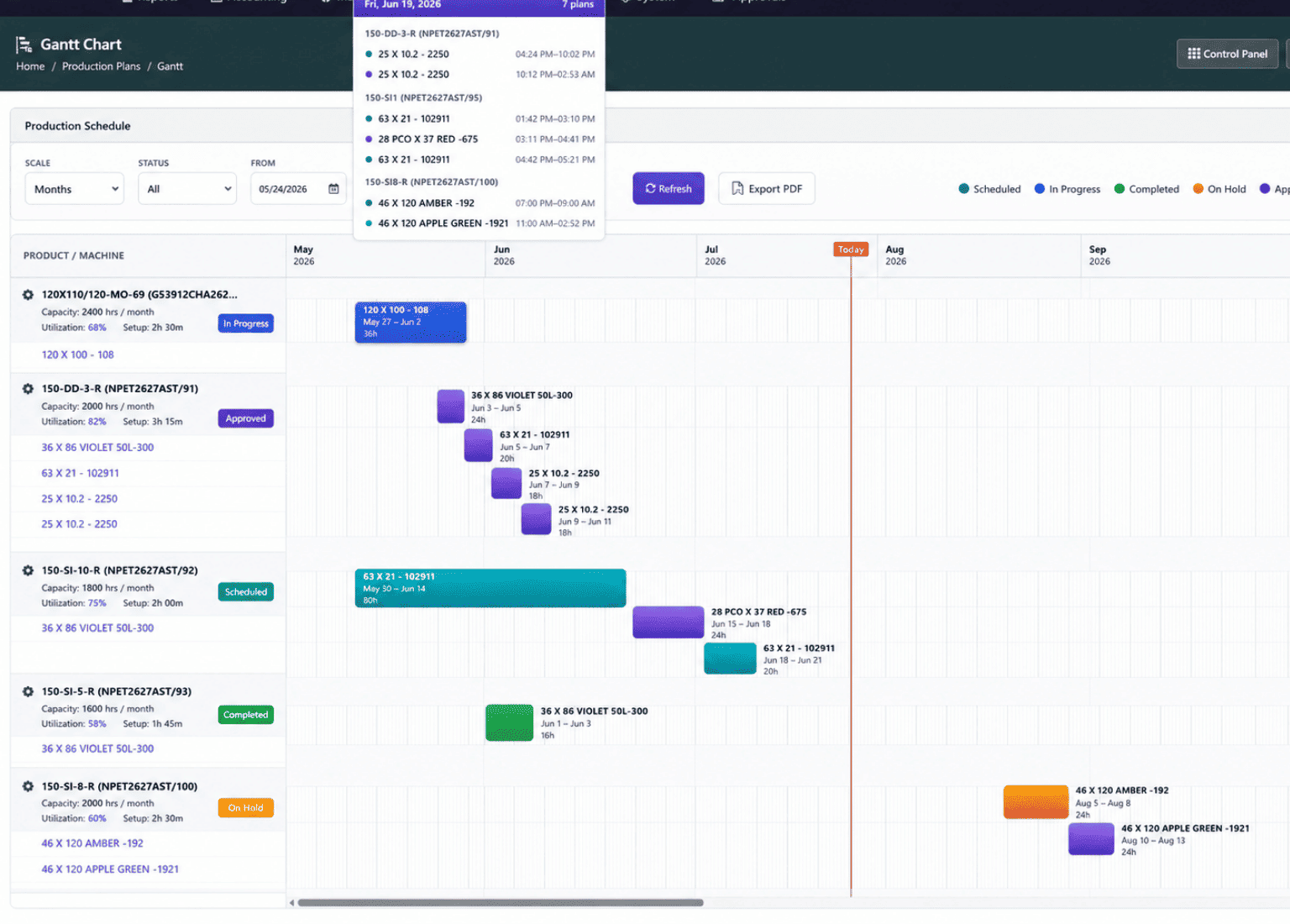
Why Manufacturing Production Planning Needs ERP Control
Production planning becomes difficult when customer due dates, machine capacity, approved BOMs, available components and shop floor interruptions need to be balanced together. T3 ERP brings these checks into one connected planning workflow.
Machine Overlap
Multiple orders may require the same machine or line. ERP sequencing helps avoid double-booking and keeps the plan realistic.
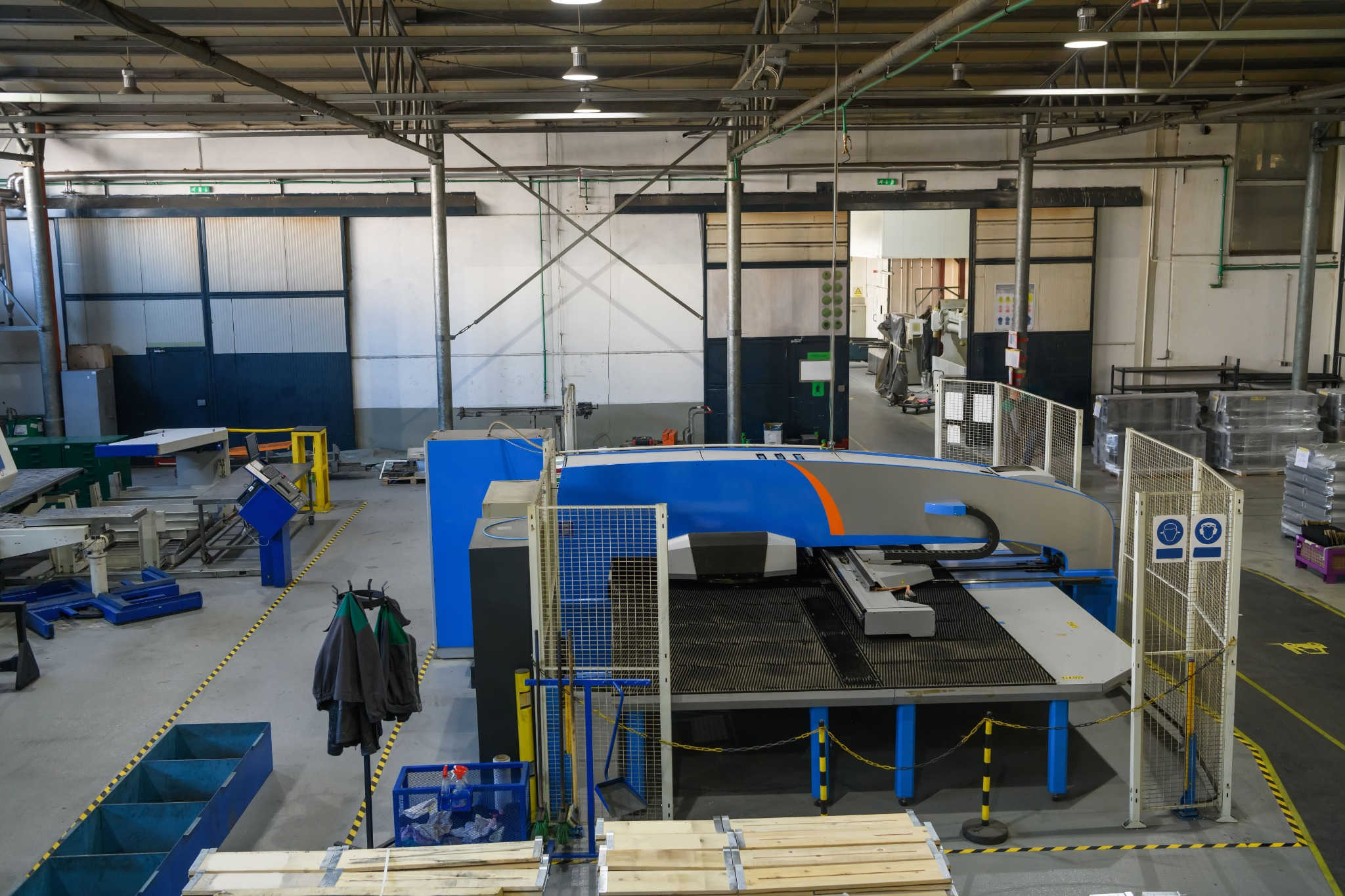
Material Shortage
A production date should not be promised until important components are checked against available stock and expected purchases.
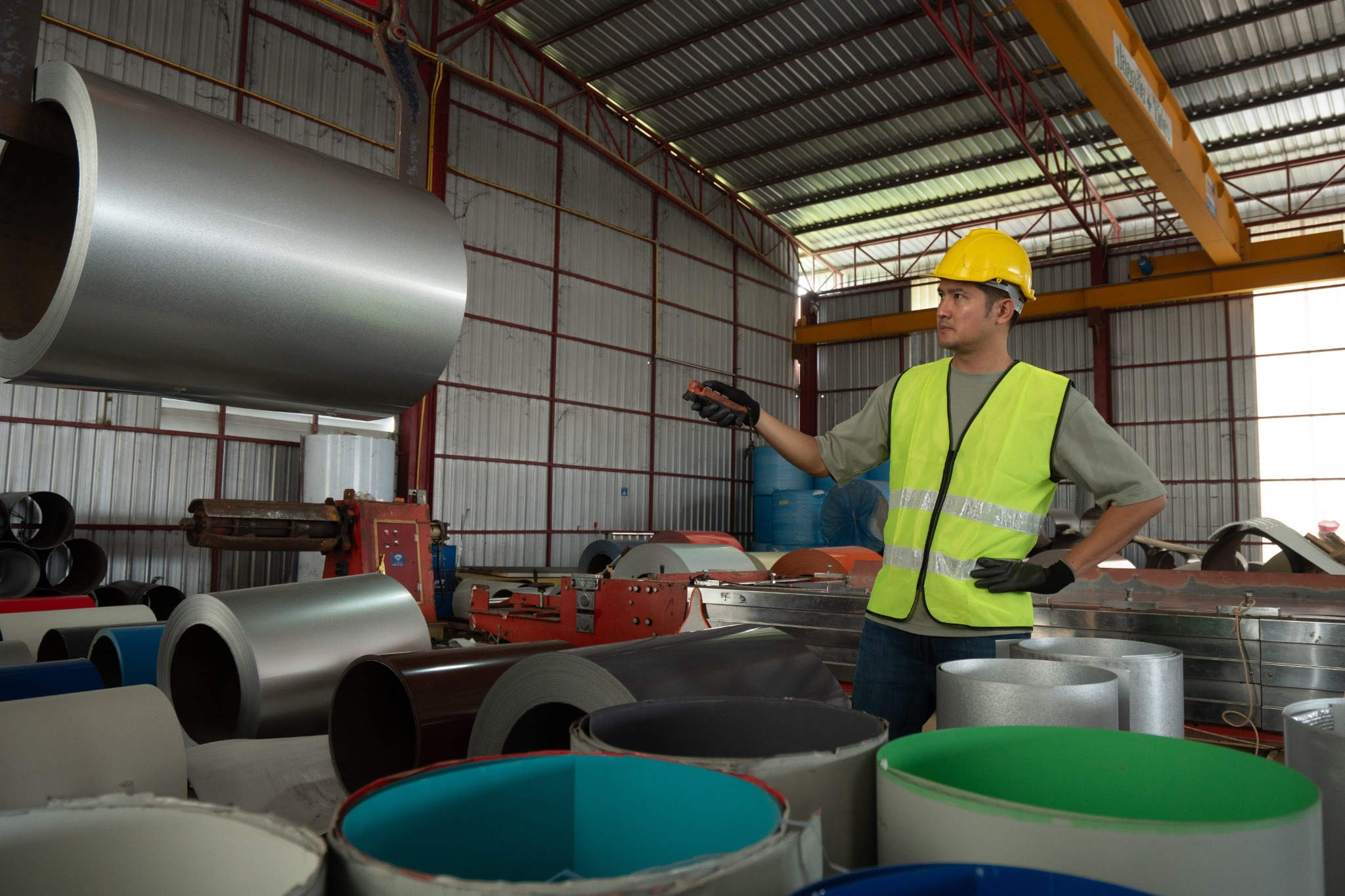
Changeover Loss
Frequent product switches increase setup time. Sequencing jobs with changeover visibility helps reduce avoidable idle time.

Urgent Order Changes
When an urgent order enters the plan, the remaining balance of interrupted production must stay controlled.
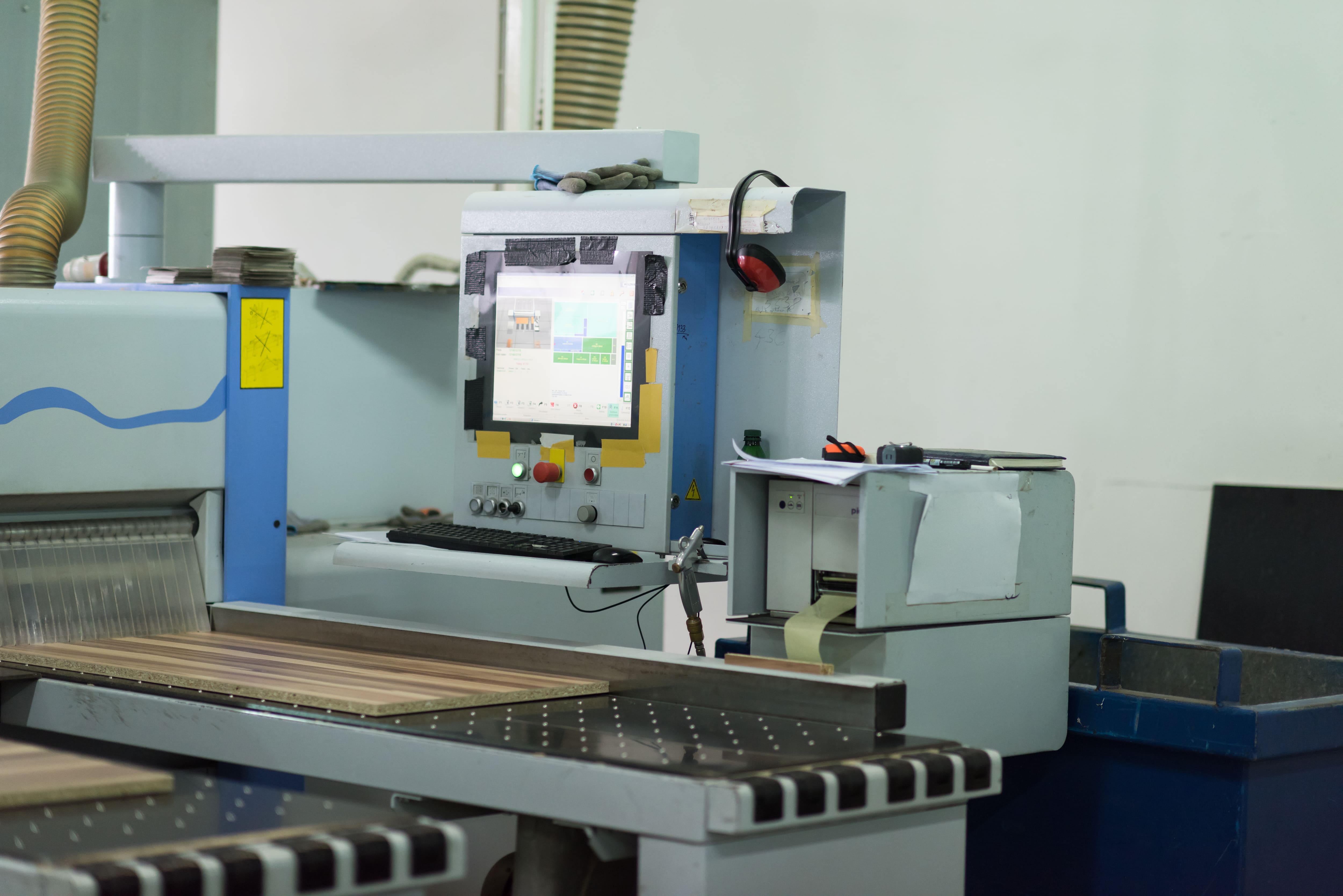
Overproduction Risk
Production entry should stay within the planned quantity unless an approved overproduction request is allowed.
From Confirmed Demand to Finished Goods Receipt
The production planning flow starts with confirmed demand and ends when finished goods are received into inventory. T3 ERP connects sales order or forecast planning with approved BOM, material checks, procurement need, machine sequencing, production entry and final stock receipt.
Continue to BOM PlanningConfirm Demand and BOM
Confirm the sales order or forecast and check that the product BOM is approved before the production plan is generated.
Generate Production Plan
Create the production plan with planned quantity, target date, order reference and item-level requirement.
Check Materials and Shortages
Explode the BOM to calculate component requirements and compare them with available stock before releasing production.
Create Procurement Requirement
Raise procurement plans or purchase requisitions for shortage materials before the work order is released.
Sequence Machines and Commit Plan
Sequence jobs on the machine board with setup and changeover time, then commit the plan only after overlap and eligibility checks are cleared.
Record Production and Stock Receipt
Record production entry against the plan, split or hold pending balance when required, and receive finished goods into stock for reservation, dispatch and invoicing.
BOM, Material Availability and Procurement Planning
A production plan is useful only when it is based on an approved BOM and real material availability. T3 ERP uses the approved BOM to calculate component requirements and highlight shortages early, giving the purchase team enough time to act before production is affected.
Approved BOM Lock
Once a BOM is approved, the components are frozen for planning so production uses the correct material structure.
BOM Revision Control
Changes to components can be managed through controlled revisions instead of informal edits.
Component Import
CSV or XLSX import helps maintain larger BOMs without manual entry for every line.
Shortage Visibility
The system compares requirements with available stock and shows what must be procured.
Procurement Plan
Shortfall materials can be converted into purchase requisitions so buying starts before production is blocked.
Plan Production Only After Component Checks
BOM explosion, shortage visibility and procurement planning help manufacturers avoid releasing work orders that cannot be executed because of missing components.
Turn Production Plans Into Executable Machine Schedules
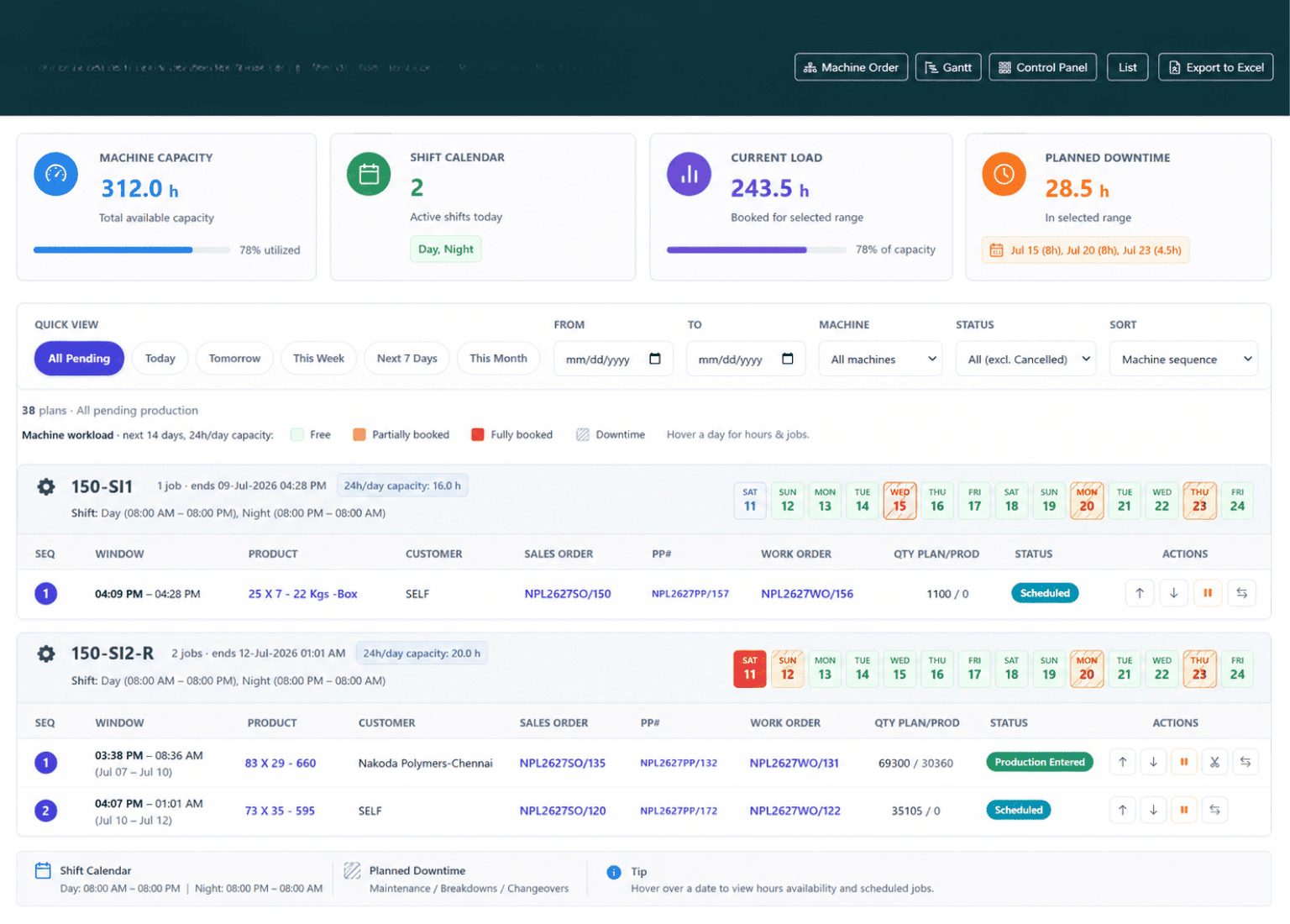
Machine sequencing turns a production plan into an executable shop floor order. Instead of simply listing work orders, the planner can arrange jobs by machine, check sequence eligibility, include setup time and prevent overlaps before committing the schedule.
Machine Sequencing Controls
- Drag-and-Order Machine Sequence Board Plan jobs per machine or line and arrange the production sequence before releasing work to the shop floor.
- Setup and Changeover Time Insert setup and changeover time between sequential jobs before plan commitment.
- Sequential Planning Guard Prevent gaps, wrong order or double-booking so the committed production plan stays practical.
- Overproduction Gate Stop production entry from exceeding planned quantity unless approval is given for overproduction.
Keep Planning, Production and Management on the Same Page
T3 ERP provides real-time shop floor visibility by keeping the planning board, machine sequence, and production queue aligned. Its reporting dashboard offers production status, machine load, component shortages, and audit history, helping teams identify delays and take timely action.
Production Reports and Views
- Production Plan / Sequence Board Shows planned jobs by machine, sequence and status so planners can review load before and after commitment.
- For-Check Production Entry Queue Gives the shop floor a controlled queue of plans ready for production entry, keeping execution aligned with the approved sequence.
- Component Shortage Report Highlights material gaps before production starts, helping purchase teams focus on items that can block the plan.
- Procurement Plan Report Shows planned purchase requisitions or requirements created from production shortages.
- Gantt-Style Machine Load View Displays machine-wise load, setup time and plan status in a visual format for easier scheduling review.
- Production Dashboard and Audit Tracks plan progress, production entry, approved changes, split balances and user actions for better control.
Better Planning Control Across Machines, Materials and Production
Manufacturing Planning That Connects Every Team
T3 ERP connects production planning with BOM control, material availability, machine sequencing, shop floor entry and management reporting.
This helps planning, purchase, production and sales teams work from the same production status instead of separate spreadsheets and manual follow-ups.
Higher Machine Utilisation
Jobs are scheduled with machine load and setup visibility.
Realistic Delivery Dates
Material availability and machine capacity are checked before commitment.
Controlled Production Quantity
Production entry stays linked to the planned quantity and approval rules.
Faster Replanning
Urgent orders can be handled while produced quantity and pending balance remain traceable.
Better Purchase Coordination
Component shortages flow into procurement planning instead of being discovered on the shop floor. Explore our ERP Software in Mumbai for integrated business operations, and our Inventory Management Software for better raw material availability and stock control.
Common Questions About Manufacturing Production Planning ERP
Clear answers for manufacturers evaluating BOM-based planning, material shortage checks, machine sequencing, production entry, shop floor visibility and production reporting in T3 ERP.
Plan Your Manufacturing ERP Walkthrough
Share your current planning, BOM, machine sequencing, material shortage or shop floor workflow with our solution team.
Talk to a Solution ConsultantCan the ERP create a production plan from sales orders?
Yes. Confirmed sales orders or forecasts can be converted into production plans with item quantity, target date and order reference.
Does it check material availability before planning?
Yes. The BOM is exploded and component shortages are shown before the plan is finalised.
Can jobs be sequenced machine-wise?
Yes. Jobs can be arranged on a machine sequence board with setup and changeover time considered.
What happens if production is interrupted?
Produced quantity can remain recorded, while the pending balance can be split or kept on hold for later re-planning.
Can production exceed the planned quantity?
Not by default. Production entry is controlled by the planned quantity and needs approval if overproduction is required.
Is it useful for manufacturers in Mumbai?
Yes. It is suitable for Mumbai and nearby manufacturers that need BOM control, material planning, machine sequencing and shop floor visibility in one system.